UpCreators - Multipurpose, Creative Template
Overview
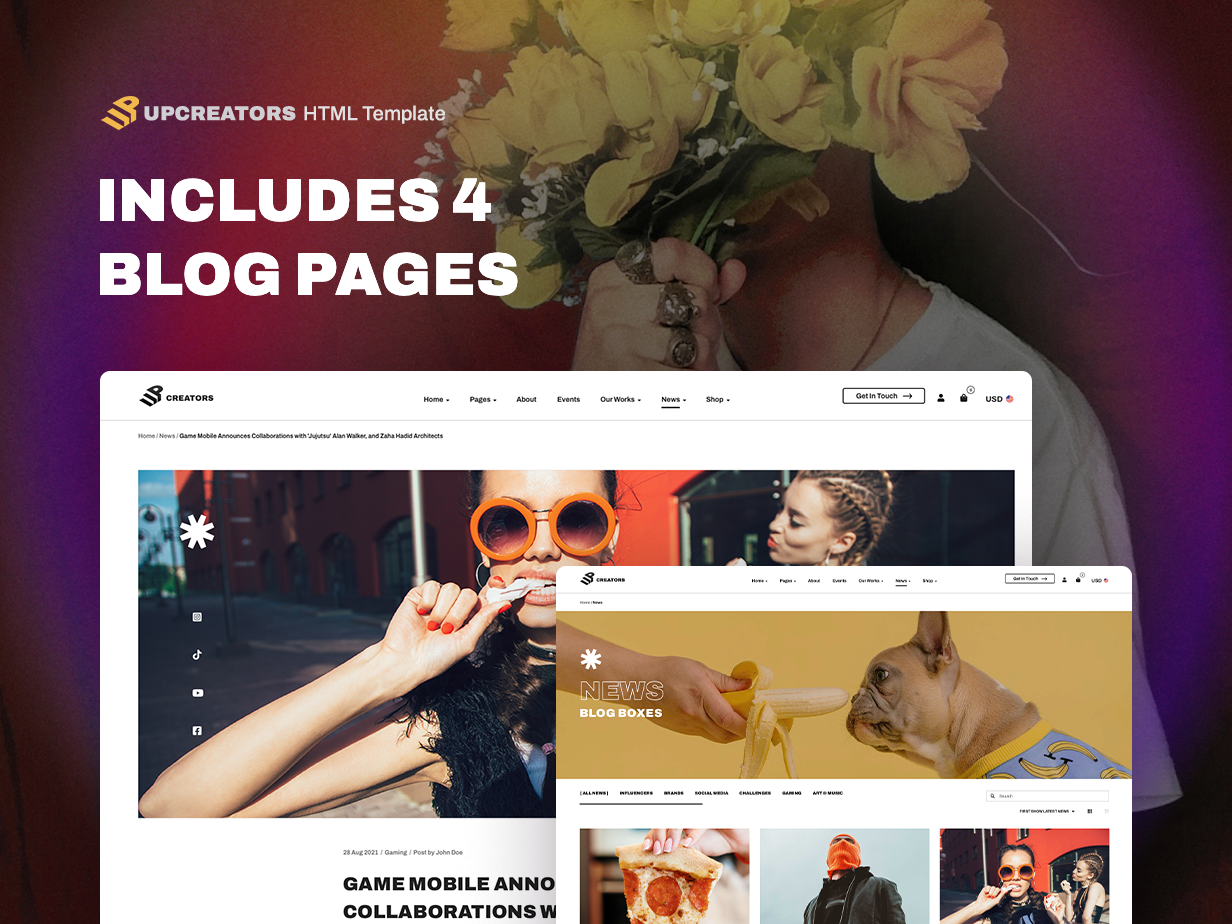
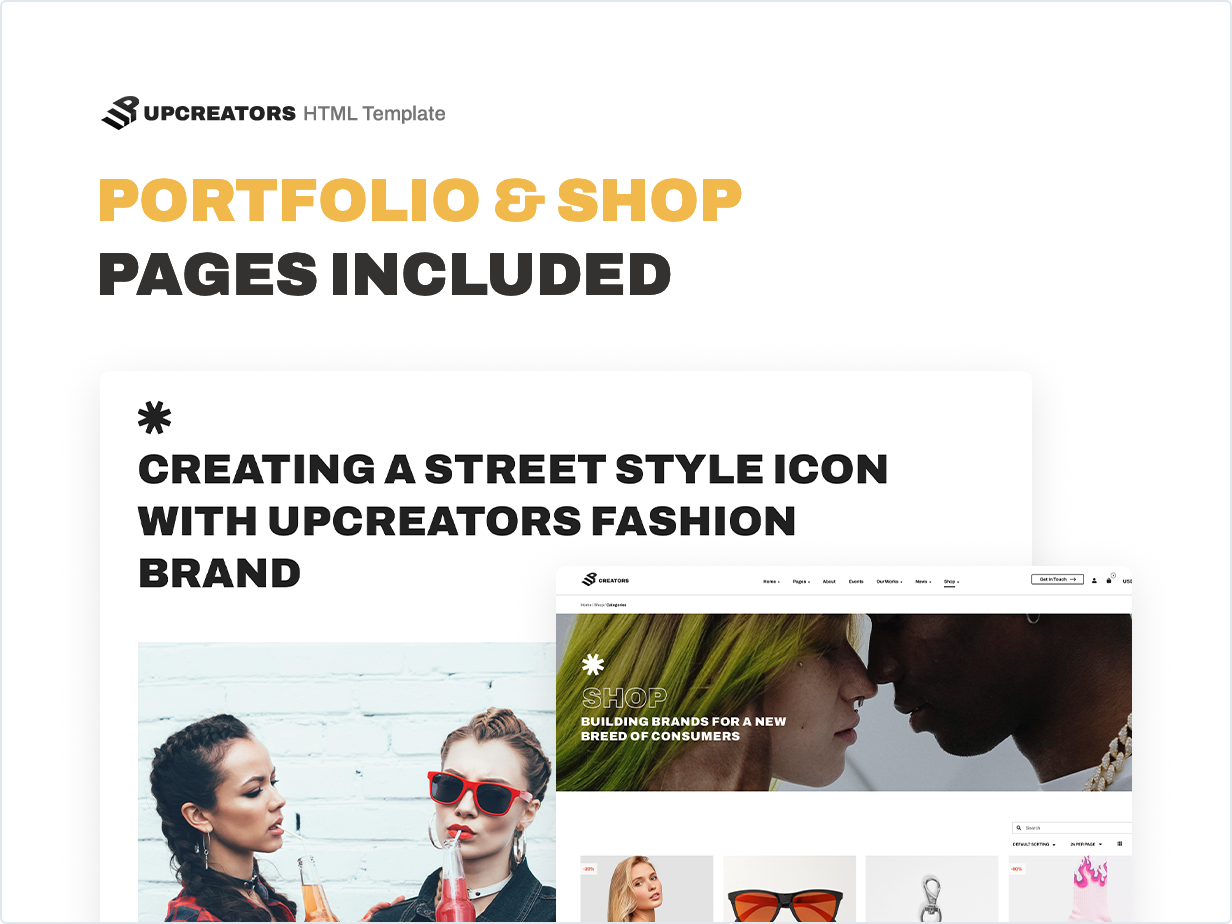
Upcreators is a bright Multipurpose template for Creative agencies, Marketing companies, Streaming channels, SMM Services, Blogs, Portfolios, and stylish Shops. The template has more than 50 unique sections and elements that greatly expand the list of template using purposes and allow you to achieve amazing results and create a competitive and catching site. The template includes three homepages for Agency, Shop and Streamer, trendy online store pages like collections, lookbook and bright viral banners for online shop. It also has Event Page, Several Blog Layouts and other pages for your site.
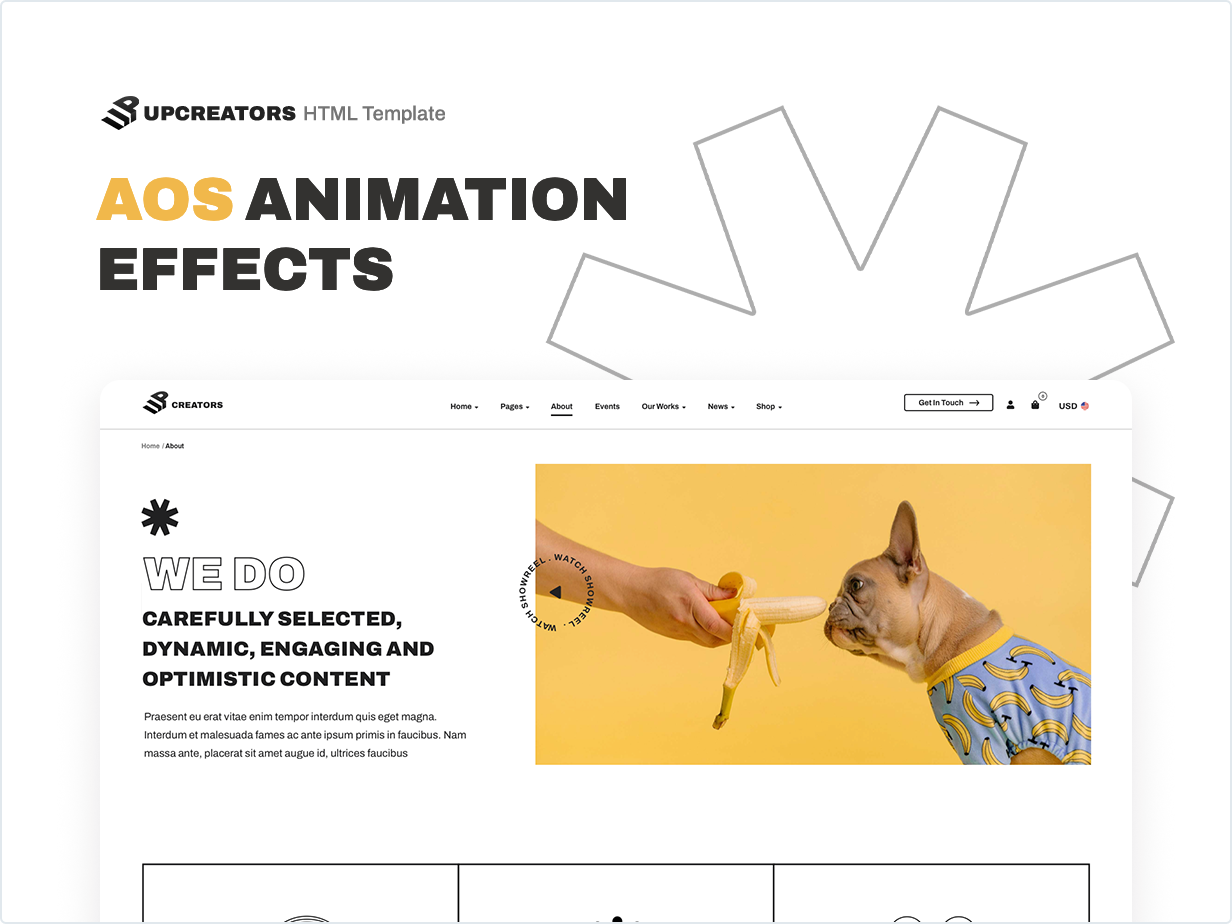
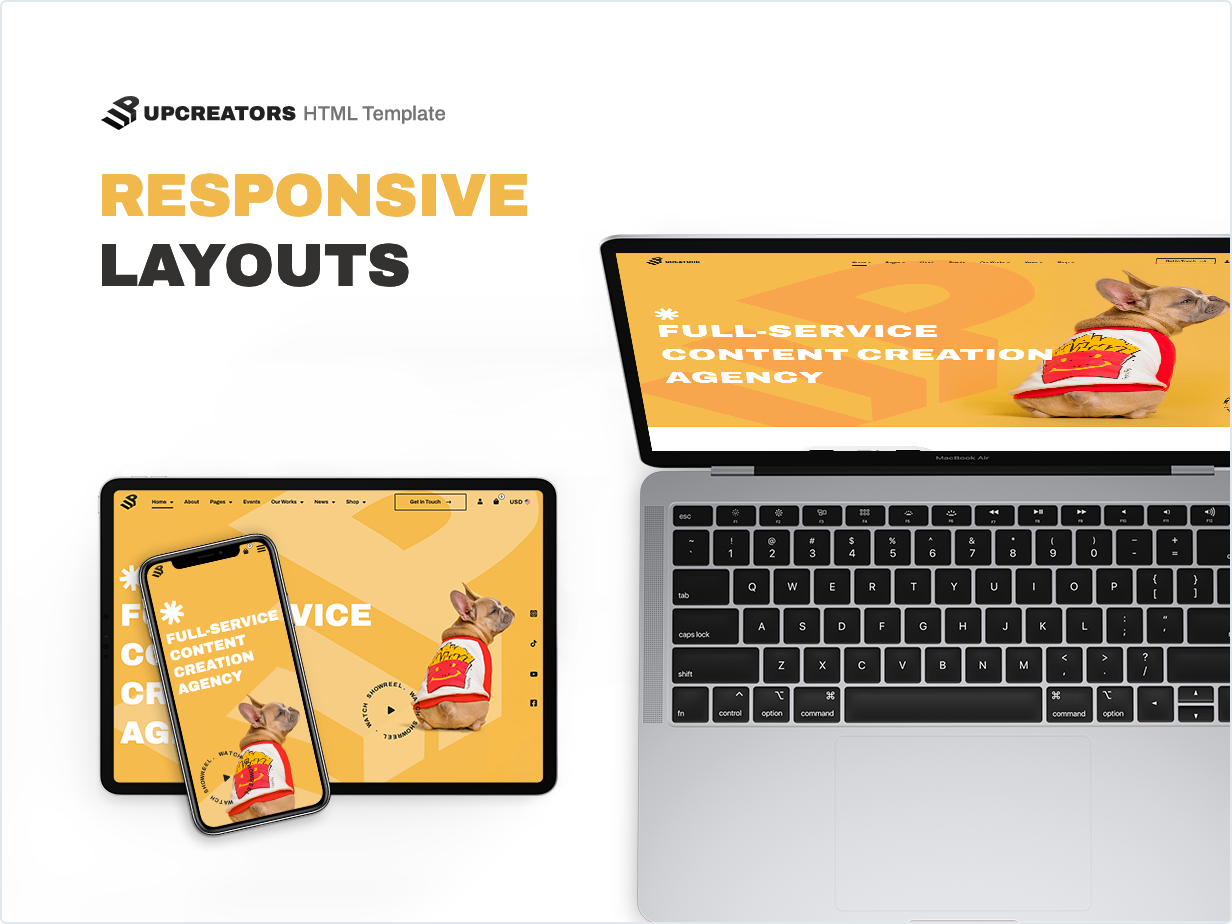
Upcreators is fully responsive with lots of carefully crafted elements that are easy to edit to achieve any of your ideas. Design harmony, thoughtful details, appropriate animation and a nice custom cursor are the features that create a pleasant experience for the visitor and make him come back again.
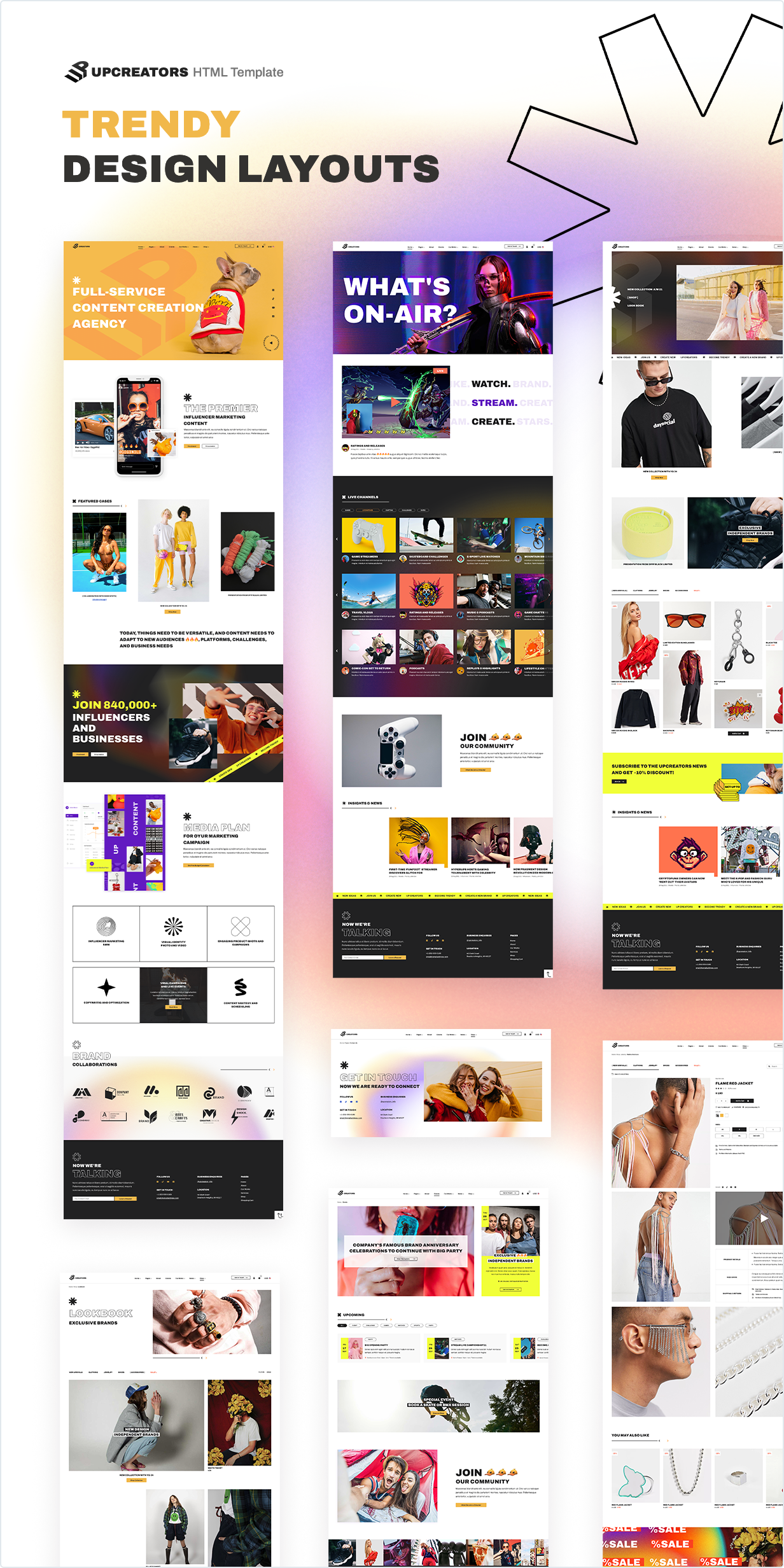
Pages and Layouts of the Multipurpose Template
- Home Agency
- Home Shop
- Home Streamers
- About
- Blog list
- Blog Grid
- Blog Sidebar
- Single Post Full Width
- Single Post Sidebar
- Case Details
- Our Works
- Product Page
- Product Page2
- Product Page3
- Search Result
- Shop
- Shop Collection
- Shop List
- Shop Lookbook
- Cart
- Contact
- Events
- Faq
- Error Page
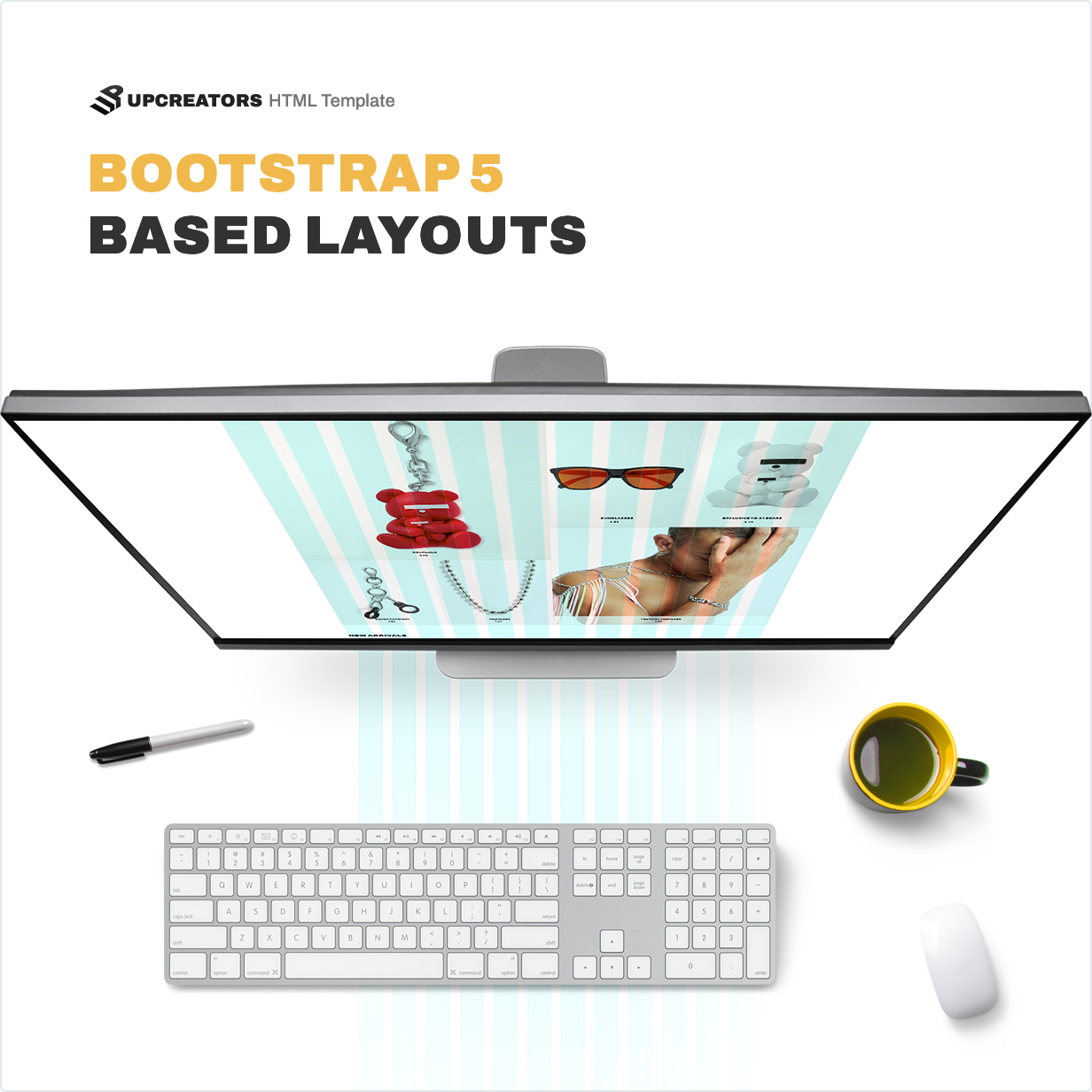
The core of the Upcreators Multipurpose is a modern, fast and powerful Bootstrap 5. The layout flexibility achieved by this framework allows you to fit the template even for beginners.
Frameworks and Libraries
- Bootstrap 5
- Splide JS
- Hc-sticky
- Isotype
- lax js
- react-easy-marquee
- star-rating.js
- Swiper
- Google Maps
- Baguette Box
- Headroom JS
- Sweet Alert 2
- CountUp
- Custom-select
The template is perfectly organized and structured, making it easy to customize all its parts, change the background and color, and manage global typography. Every Layout is just a starting point – you can style it to look any way you want. With CSS files, you also get SASS/SCSS files that simplify and speed up the template’s customization. The HTML code is clean and 100% valid and has been tested for the W3c validator test.
Features of Upcreators Multipurpose Template
- Powered by Bootstrap 5
- SEO Friendly Clean HTML 5 Code
- Fully Responsive Layouts
- Custom cursor
- Completely W3C Valid Code
- Three Homepages
- Includes Shop Collection, Lookbook and shop pages
- Four Blog layouts
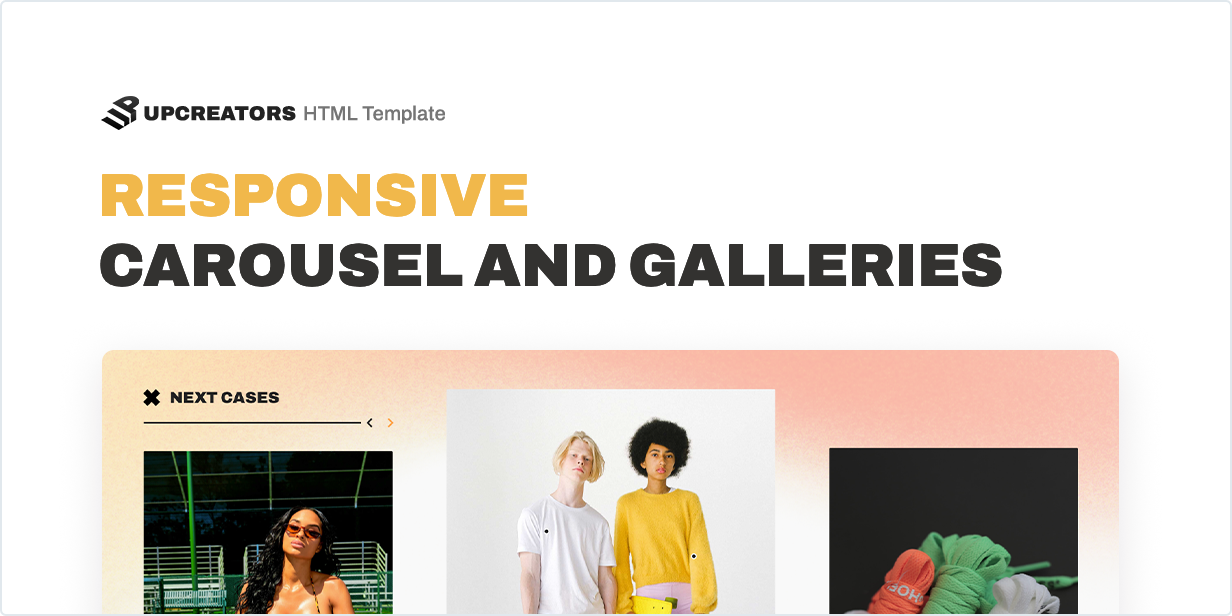
- Responsive Carousel
- Trendy colors and gradients
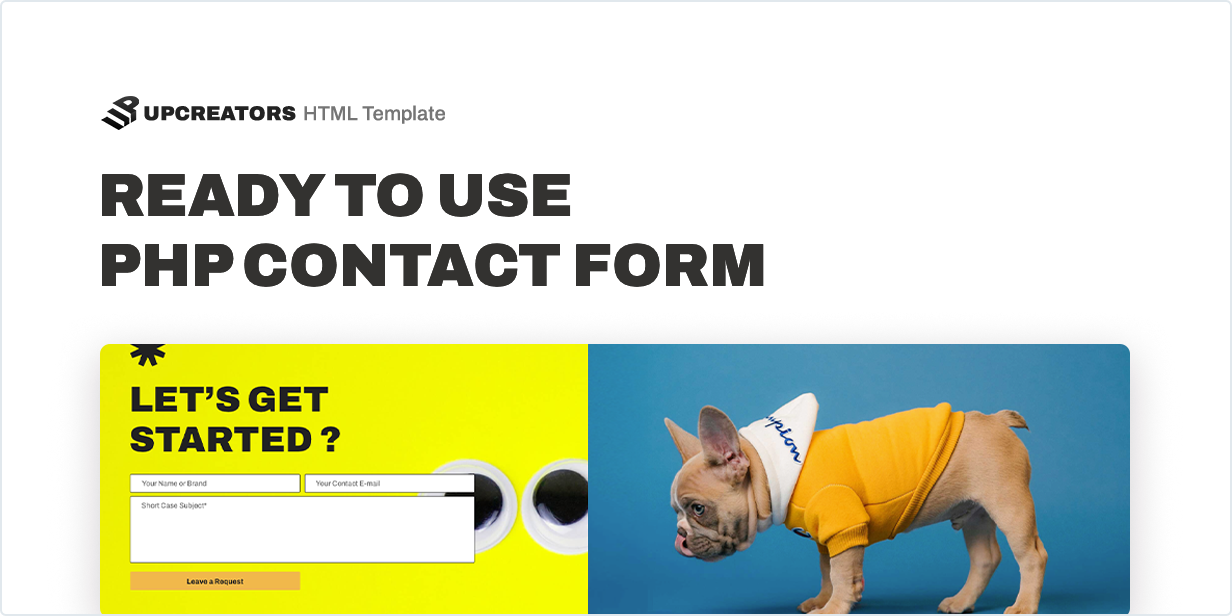
- Includes workable Contact Form PHP script
- Appear & Scrolling Elements Animation
- Developer friendly code
- Unlimited Font Icons
- Bootstrap UI Ready
- Icons Provided by Font Awesome 5 & IcoMoon
- Lightweight and Fast
- Well Organized Files and Folders
- Compatible with all Modern Browsers
- Easy to use and customize
- Tested in Color Blindness Simulator
- Design Meets the Requirements of WCAG 2
- Six months Customer Support for ThemeForest buyers
The Bootstrap Template to which you are now looking carefully crafted by a gifted designer in collaboration with an experienced HTML coder with great attention to details, flexibility, and performance specifically for developing unique Templates based on WordPress, Joomla, Drupal, Muse, and other popular CMS.
Upcreators Multipurpose Template is ready to work immediately after installation – you only need to unzip and upload it to your web server. Read more about capabilities and settings in the Online Documentation.
Note
All images are just used for preview purposes only. They are not part of the template and are NOT included in the final purchase files, but you can always contact us in search of sources.
Installing
This document covers the installation and use of Upcreators HTML Template and often reveals answers to common problems and issues – read this document thoroughly if you are experiencing any difficulties.
In the archive, you will find not only the compiled JS and CSS, but also the source code: JavaScript modules and SCSS files. We recommend using Webpack and Gulp for working with project files.
Installing Template
- After unzipping the downloaded pack, you’ll find a HTML Folder with all the files.
- View this template in any browser, you can display or edit the Template without an internet connection.
- Use your hosting File Manager or FTP access to upload project files to your server.
- Once the files are done uploading, go to www.yourdomainname.com/index.html
Template Structure
All information within the main content area is nested within a body tag. The general template structure is pretty the same throughout the template. Here is the general structure of the main page (index.html).
<!doctype html>
<html lang="en">

    <head>

        <title>Upcreators Multipurpose Template</title>
        <link rel="stylesheet preload" as="style" href="css/example.css">

    </head>

    <body>

        <header class="header headroom--top">
            ...
        </header>

        <main>
            <section class="hero">
                ...
            </section>
        </main>

        <footer class="footer">
            ...
        </footer>
        <button id="scrollToTop" type="button"></button>

        <script src="js/common.min.js"></script>

    </body>

</html>
To include some additional styles or scripts, add code fragments after the main styles and scripts of the template.
Javascript Files
The JavaScript code is distributed in separate files to avoid loading unused code.
<script src="js/common.js"></script>
The main scripts are loaded in common.js file. This is the list of JavaScript files that are loaded at the end of the <body> tag.
To fine-tune the work of scripts, we recommend using a webpack. Combine all files into one JS and use it on all pages of the site if you need it.
Google Maps Integration
The plugin includes integration with Google Maps API. To use the full functionality of Google Maps, you need to Create a Project in Google Cloud Console and Get an API Key. When you get the API Key, paste it into the file located /js/modules/map.js instead of “PasteYourGoogleMapsApiKeyHere“
const _KEY = 'PasteYourGoogleMapsApiKeyHere';
CSS and SCSS
The CSS styles are distributed in separate files to avoid loading unused code by a browser.
<link rel="stylesheet preload" as="style" href="css/preload.css">
<link rel="stylesheet preload" as="style" href="css/libs.min.css">
Font and Icon styles are loaded in the preload.css file. And the styles of the main libraries are loaded in the libs.css file.
You can use and edit CSS files to flexibly customize the appearance of the template. However, our recommendation is to use the SCSS files for this, which you will find in the project folder in the SCSS directory.
To set color or font settings go to the file /scss/base/_variables.scss and set new values for variables. To enable loading new fonts go to /scss/global/_fontface.scss.
Web Fonts
By default, the template loads the free Google fonts, you can change the font with the one that suits you best. For headings and important text is used Archivo, and for regular text and body text is used Archivo font.
Images
Under the terms of the license, images are not included in the package with the code. You can purchase the images you need from Envato Elements, links to all images can be found in the Upcreators HTML Template collection.